


📦 Overview 📦
- ⚡ Unified command system
- ⚡ Player toggle system
- ⚡ Dynamic bossbar timer
- ⚡ PlaceholderAPI support
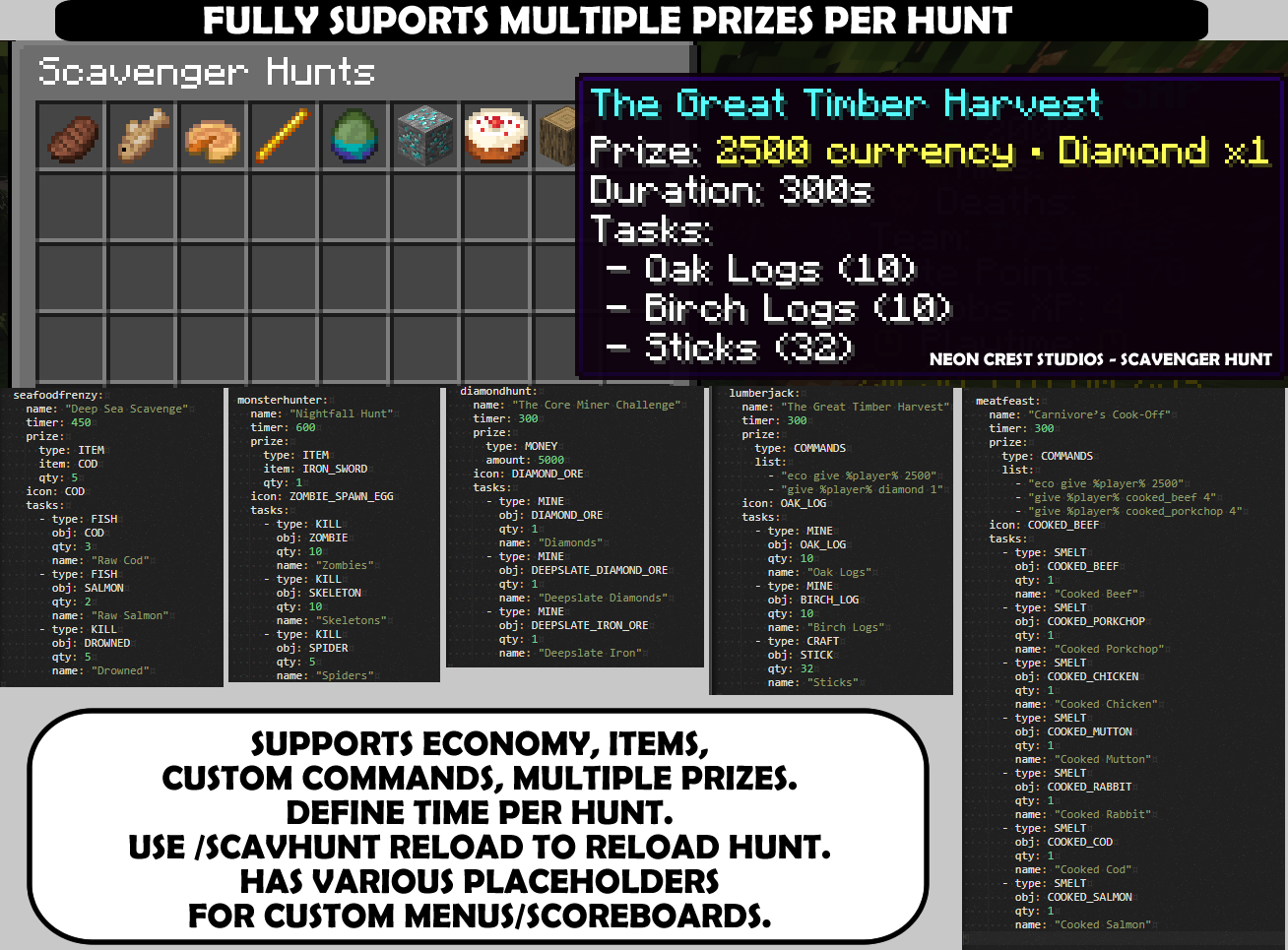
- ⚡ Fully configurable hunts
- ⚡ Multiple reward types
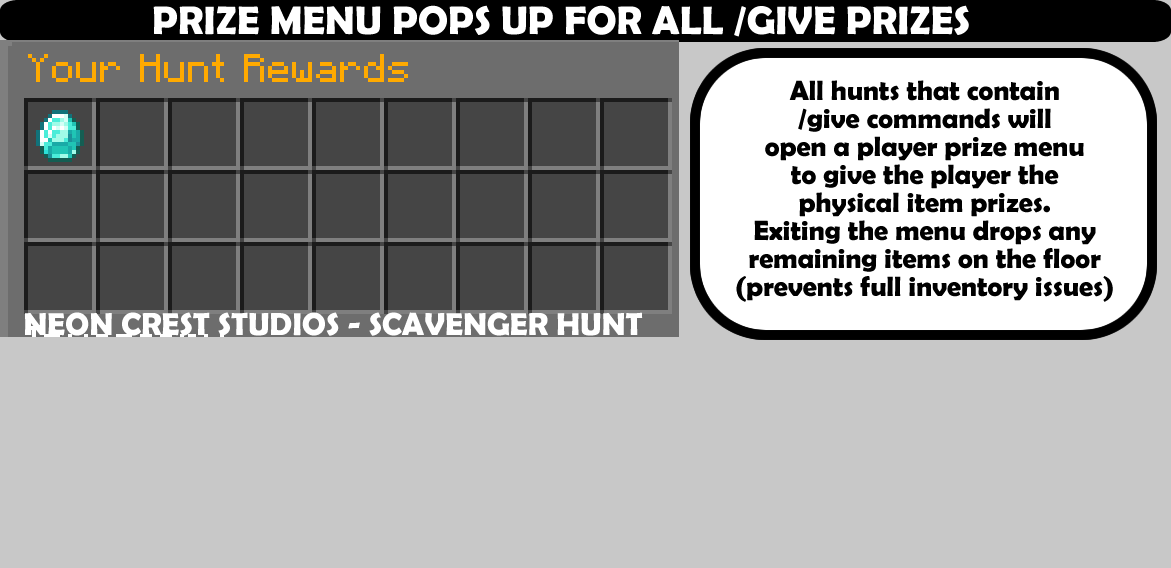
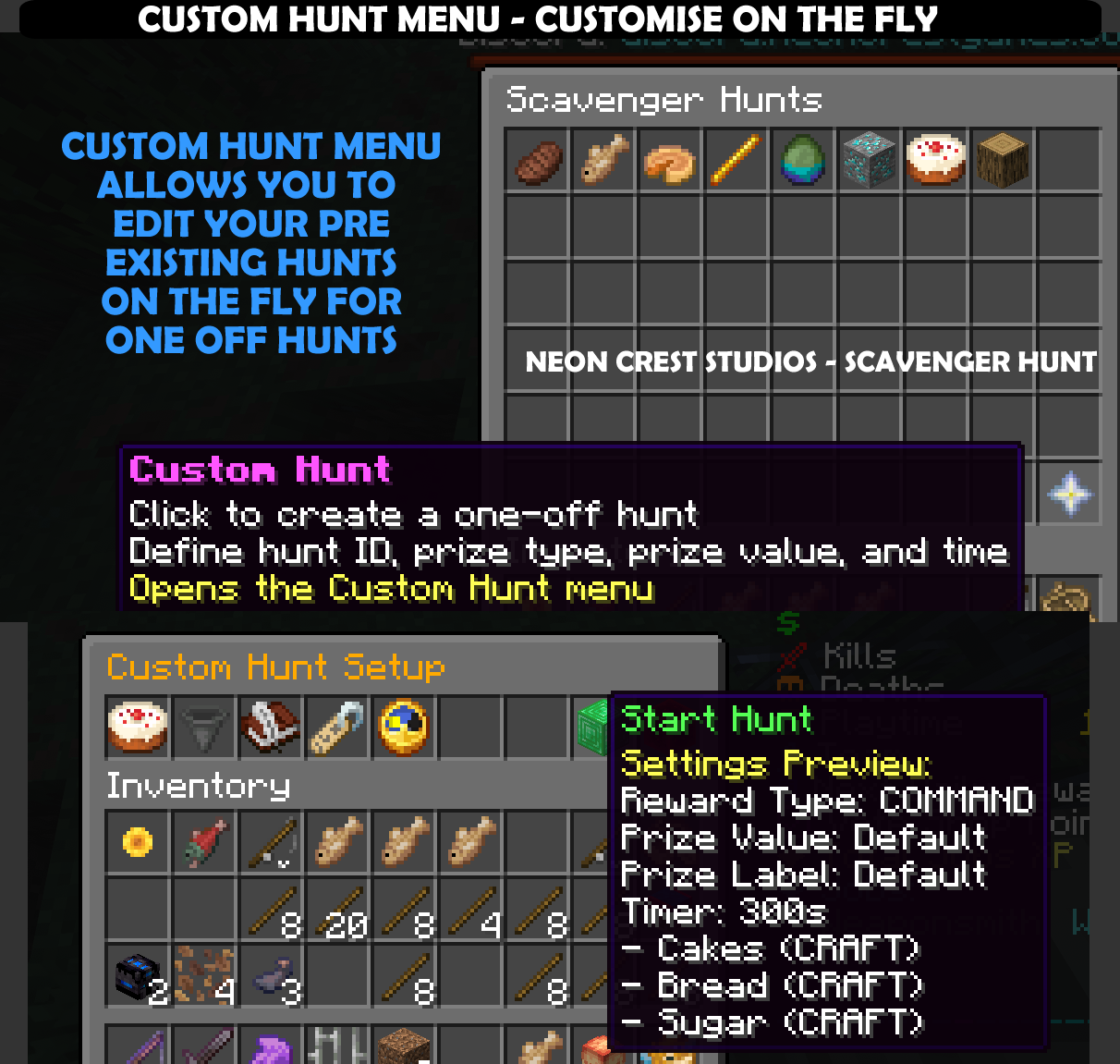
⚡ GUI reward menu
🔧 Installation 🔧
- Download the ScavHunt .jar file.
- Place it into
/plugins/. - Restart your server.
- Run
/scavhuntto verify installation.
⚙️ Basic Setup ⚙️
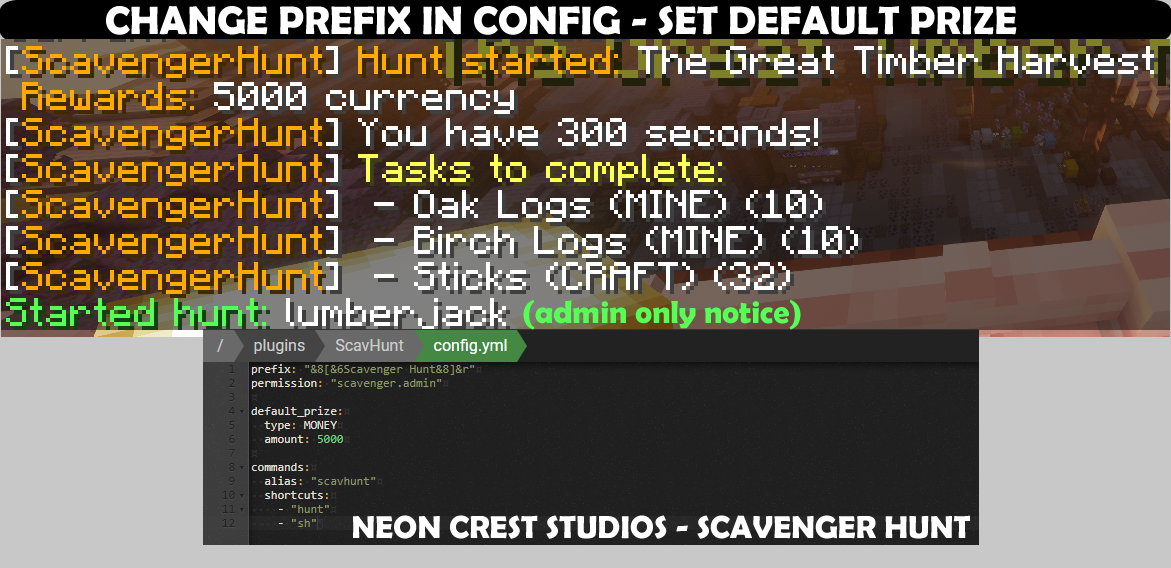
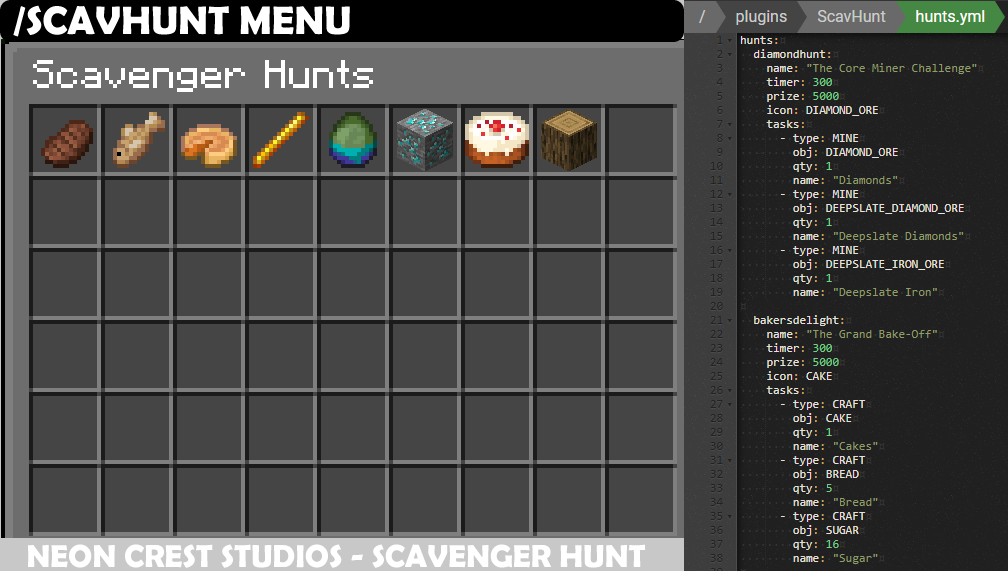
Edit hunts.yml to configure hunts.
name: "Lumberjack"
timer: 120
prize:
  type: MONEY
  amount: 5000
tasks:
  - type: BREAK
    obj: OAK_LOG
    qty: 32
🏆 Reward Types 🏆
type: MONEY
amount: 5000
type: ITEM
item: DIAMOND
qty: 3type: COMMAND
cmd: "give %player% cake 1"type: COMMANDS
list:
- "eco give %player% 2500"
- "give %player% cooked_beef 4"🎮 Commands 🎮
Admin
- /scavhunt start
- /scavhunt stop
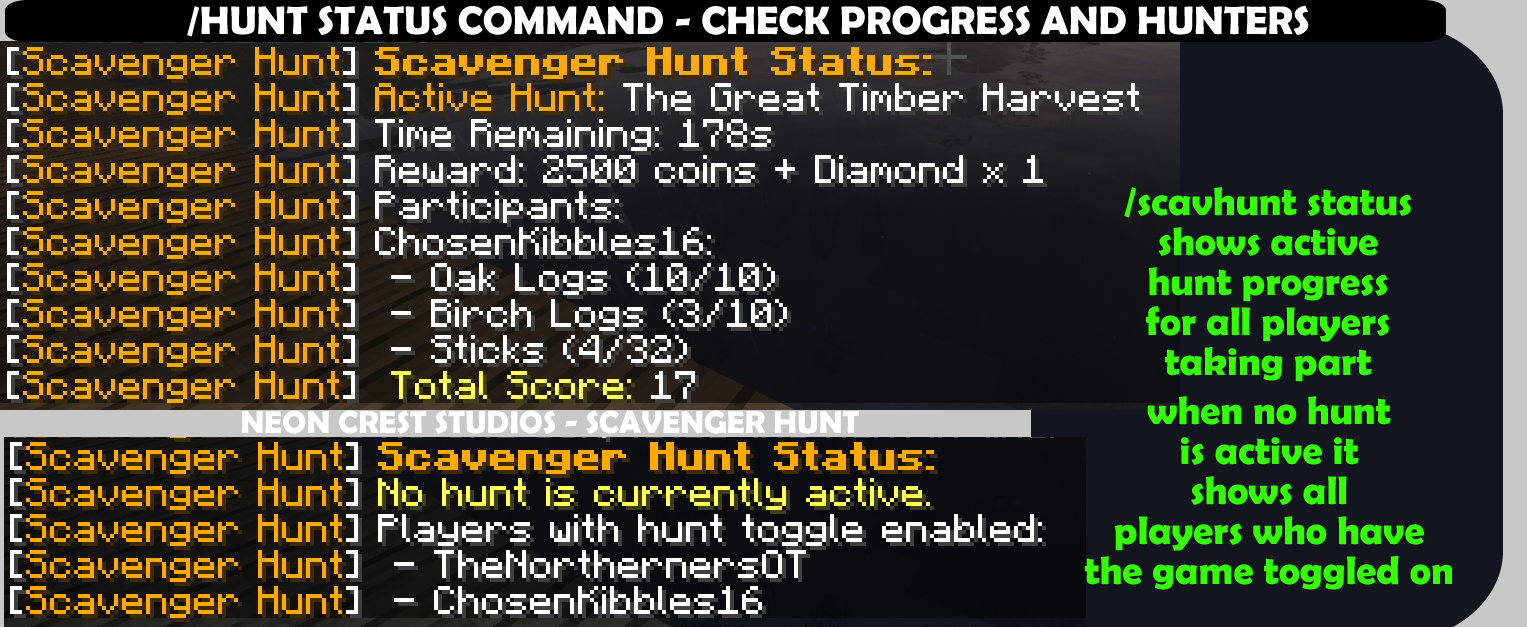
- /scavhunt status
- /scavhunt reload
- /scavhunt menu
Player
- /scavhunt toggle
🧩 PlaceholderAPI 🧩
- %scavhunt_active%
- %scavhunt_status%
- %scavhunt_time%
- %scavhunt_reward%
- %scavhunt_progress_DIAMOND_ORE%
🚀 Compatibility 🚀
- ✔ Paper, Spigot, Purpur
- ✔ Minecraft 26.x.x
- ✔ Optional: Vault, EssentialsX, PlaceholderAPI
📸 Gallery 📸
PATCH NOTES
-
ScavHunt Plugin – Update Changelog – V1.31
ScavHunt Plugin – Update Changelog – V1.31
New Features
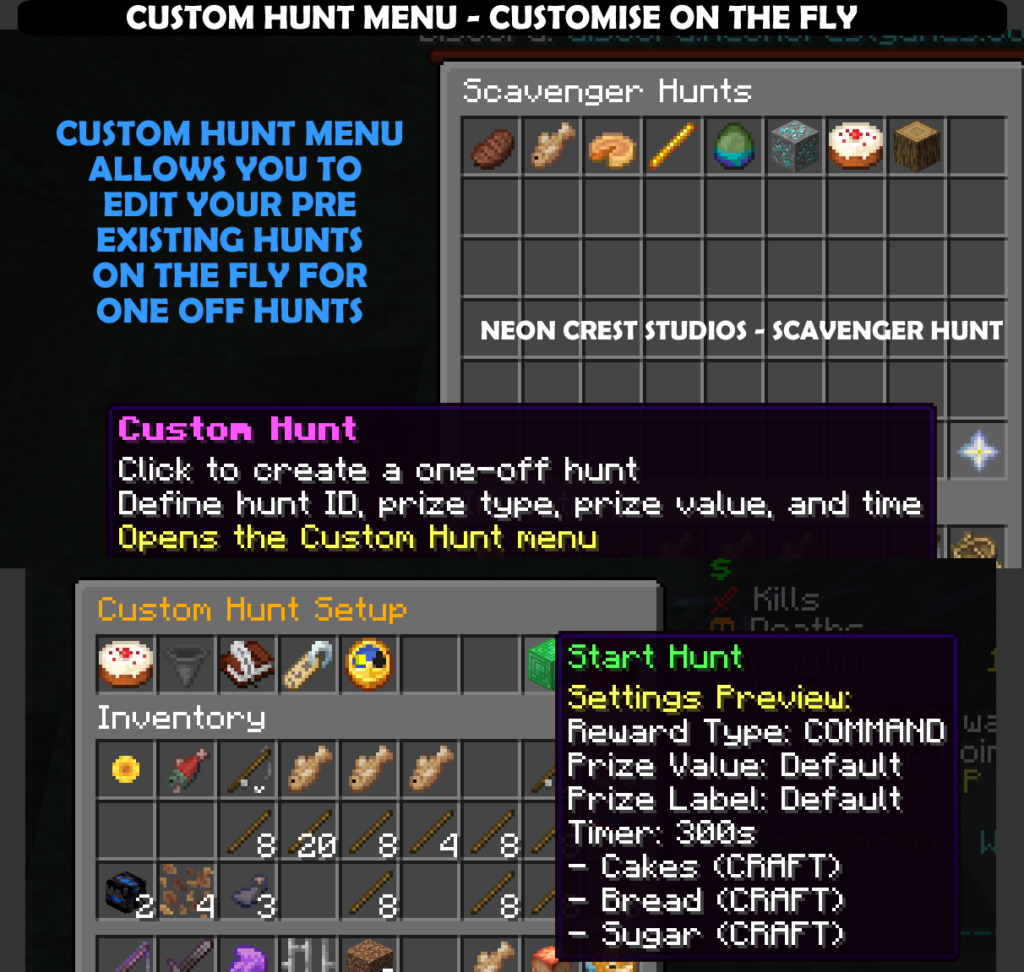
- Custom Hunt Menu (Inventory GUI)
• Added a new inventory‑based menu for creating one‑off hunts.
• Hunts, prize types, and timers can be cycled by clicking their slots.
• Prize values are entered via chat: clicking the Prize Value slot closes the menu, prompts you to type the value, then re‑opens the menu with that value saved.
• Hunt icons now display correctly, with fallback to a compass if no icon is set in hunts.yml.
• Prize types have distinct icons (Emerald = MONEY, Chest = ITEM, Paper = COMMAND)
• You can leave fields blank or set them to default if you only want to make a single change to an existing hunt such as the prize or timer without having to set it all up again - New Command:
/scavhunt custom
• Allows admins to create a customised hunt directly via command, without opening the menu (the hunt must already exist in the hunts.yml)
• Syntax:/scavhunt custom <huntId> <prizeType> <prizeValue> <timerSeconds>
• Example:/scavhunt custom diamondhunt MONEY 500 300
→ Starts a custom hunt calleddiamondhuntwith a MONEY prize of 500, lasting 300 seconds (5 minutes).
:tools: Improvements
- Normal hunt menu (
/scavhunt menu) now uses hunt icons from config, with compass fallback if no icon is defined. - Custom Hunt button in the main menu now opens the new Custom Hunt Menu
- Added /scavhunt custom into the commands list when running /scavhunt
- Added example screenshots for /scavhunt status command explaining it further to the wiki site
- Patched a lopped winner bug so it doesn’t display the winner twice
:zap: Admins now have two ways to create custom hunts:
- Quick setup via command (
/scavhunt custom). - Step‑by‑step setup via the Custom Hunt Menu, with cycling selectors and chat input for prize values.
- Custom Hunt Menu (Inventory GUI)